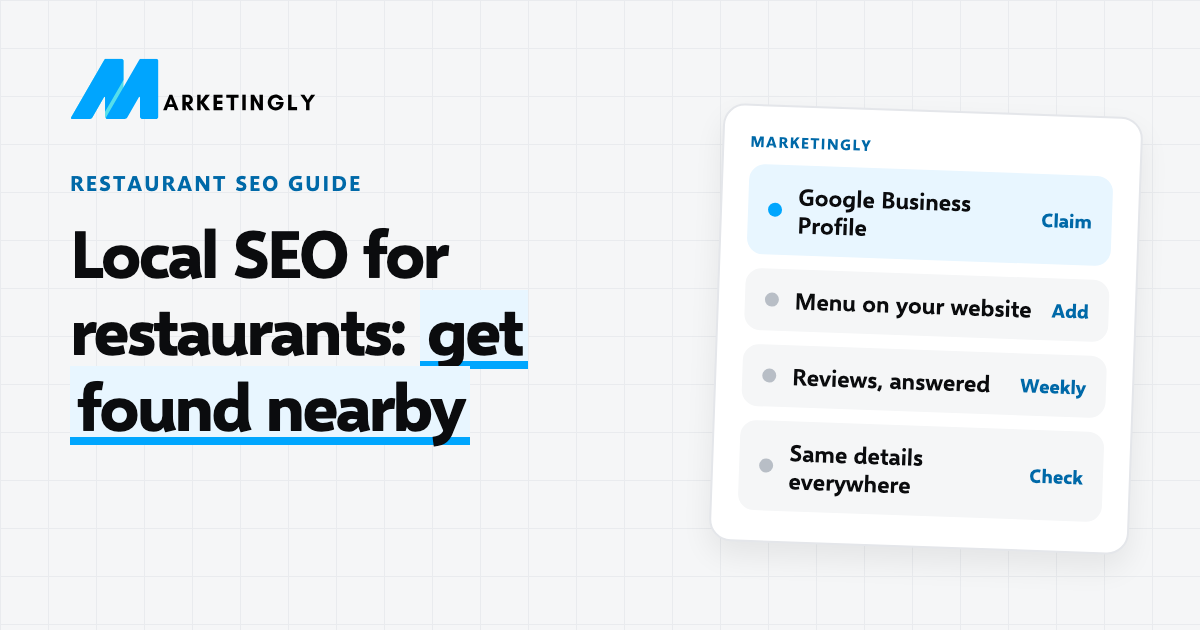
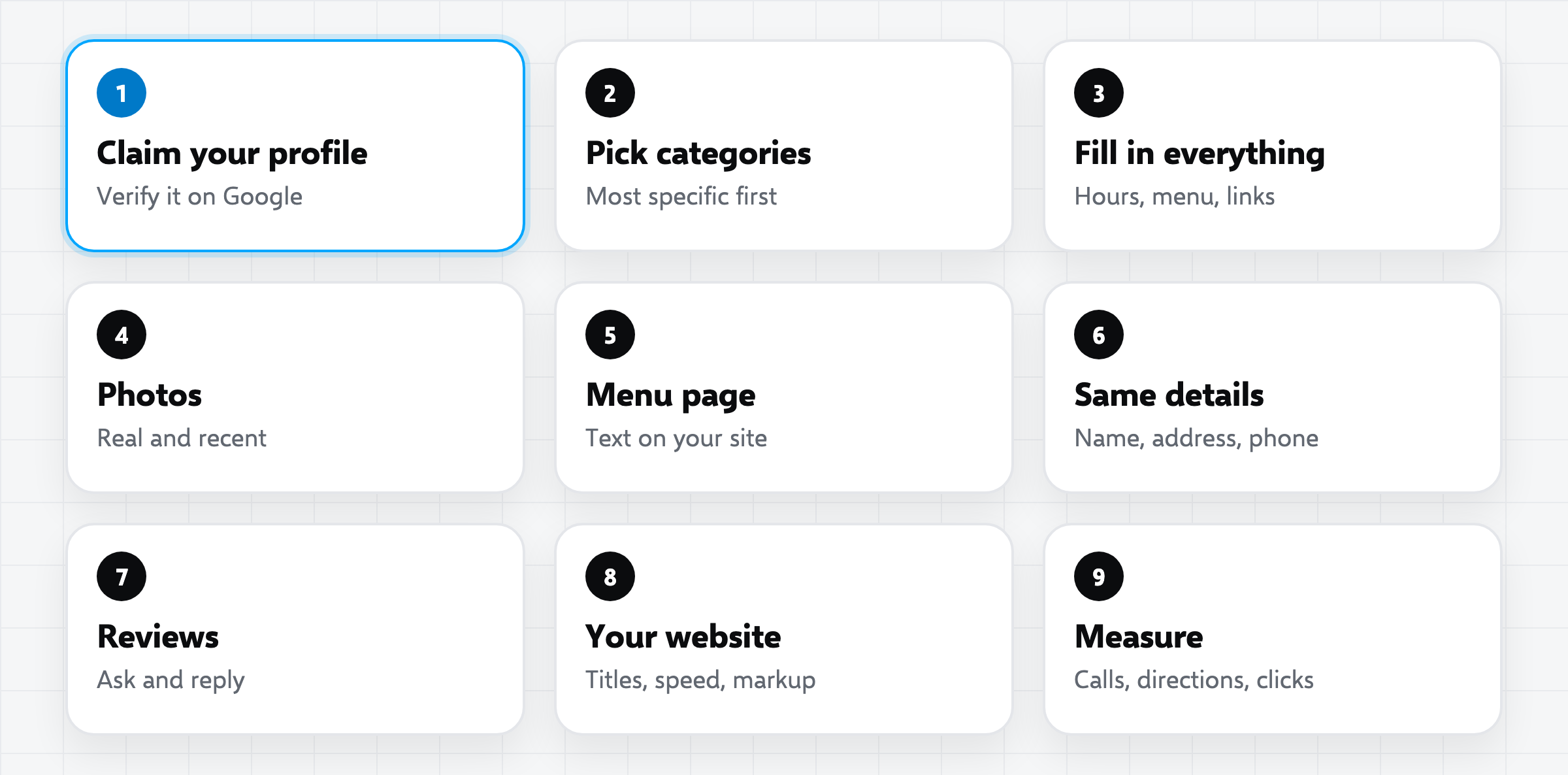
Local SEO for a restaurant is the work that helps people near you find you when they search on Google or Google Maps. Most of it happens in three places: your Google Business Profile, your website and the reviews you collect. The nine steps below are the ones we would do first, in order, and none of them needs a big budget.
If you would rather have someone do it with you, our restaurant SEO service follows these same steps.
In short
- Claim and verify your Google Business Profile, and fill in every field.
- Put your menu on your website as text, not only as a PDF or a photo.
- Keep your name, address and phone number the same everywhere.
- Ask for reviews, and reply to every one.
- Measure calls, direction requests and website clicks each month.
How do people find a restaurant on Google? #
When someone searches for “pizza near me” or “Italian restaurant” plus an area, Google usually shows a map with a few businesses above the normal results. Those listings come from Google Business Profiles. Under the map are the normal website results. A restaurant that appears in both is easier to find, trusted more and booked more often.
Google says local results are based mainly on three things: how relevant your profile is to the search, how far you are from the person searching, and how well known you are. You cannot change the distance. You can change the other two, and that is what the steps below do.
The nine steps #
1. Claim and verify your Google Business Profile #
Search for your restaurant on Google. If you see a panel with your name, check whether you own it. If you do not, claim it. Google will ask you to verify that you are the owner, often by a code or a short video. Until you verify, you cannot manage the profile. The Google Business Profile Help Centre explains each way to verify.
2. Choose your categories with care #
The main category tells Google what kind of business you are. Choose the most specific one that is true, such as “Italian restaurant” or “Vegan restaurant”, rather than just “Restaurant”. Add a few extra categories for real parts of your business, such as “Takeaway” or “Catering”.
3. Fill in every field #
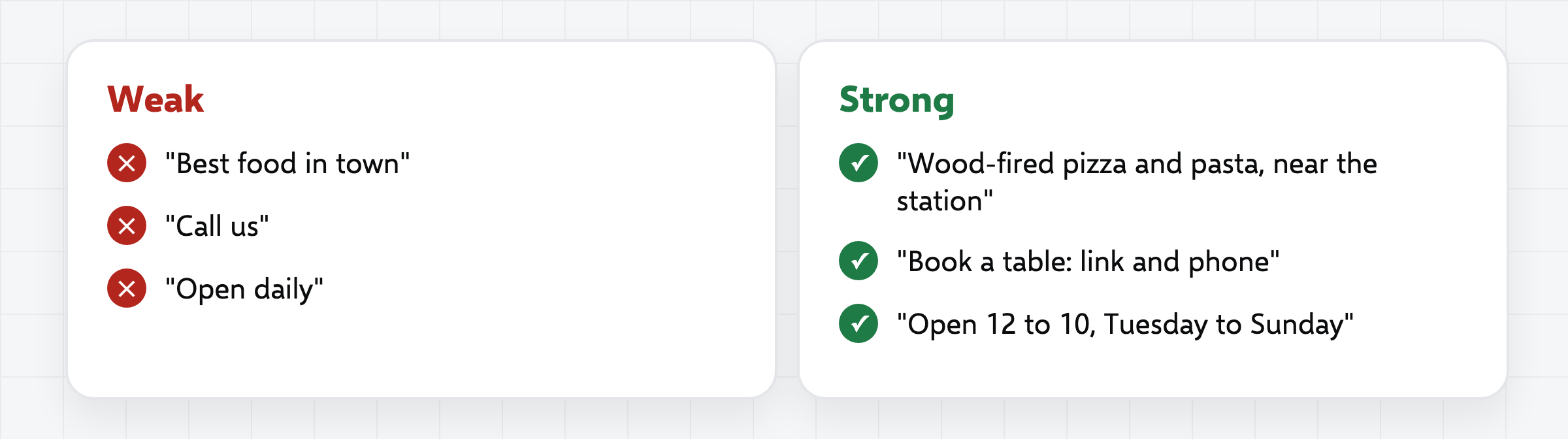
Add your opening hours, including holiday hours, and update them when they change. Add your menu link, your booking link and your delivery or takeaway links. Choose the attributes that are true for you, such as outdoor seating, vegetarian options or wheelchair access. Write a short description of what you serve and where you are, in plain words.
Use your real business name. Adding keywords to the name, such as “Joe’s Pizza Best Pizza Leeds”, is against Google’s guidelines and can get a profile suspended.
4. Add real, recent photos #
Upload photos of your food, your dining room, your exterior and your team. Real photos beat stock photos, because people can tell. Add new ones every month or so, and take new photos when the menu or the room changes.
5. Put your menu on your website as text #
Many restaurants only upload a PDF or a photo of the menu. Search engines read text much better than images, and a phone user finds a web page easier than a PDF. Make a menu page with each dish, a short description and the price. Put the name of your cuisine and your area in the page title, for example “Menu | Joe’s Italian Kitchen, Riverside”.
If you serve different menus, such as lunch, dinner and drinks, give each its own section on the page. Keep it up to date, because an old menu with old prices annoys guests.
6. Keep your name, address and phone the same everywhere #
Your business name, address and phone number appear on your website, your Google profile, social profiles, delivery apps and listing sites. They should match exactly. Small differences, such as “Street” in one place and “St.” in another, are not a disaster, but old addresses and old phone numbers are. Search for your restaurant name and fix the old ones you find.
7. Ask for reviews and reply to every one #
Reviews help people choose, and they are one of the things Google looks at. Ask happy guests to leave a review, at the table, on the receipt or in a follow-up message. Give them a direct link to your review form. Do not pay for reviews or offer a free dish in return for one. Google does not allow incentives for reviews, and fake reviews can lead to your reviews being removed.
Reply to every review, good or bad, in a calm and short way. Thank people by name if you can. For a bad review, say sorry, say what you will do and offer to talk offline. Future guests read the replies as much as the reviews.
8. Make your website do its part #
- Title and description. Write a title for your home page such as “Italian Restaurant in Riverside | Joe’s Italian Kitchen”, and a short description that says what you offer.
- A page for each location. If you have more than one restaurant, each needs its own page with its own address, hours and map.
- Speed on a phone. Most local searches happen on phones. Test your site on one, and make images smaller if pages load slowly.
- Booking and calling. Make the phone number a tap-to-call link and put the booking button on every page.
- Local business markup. Structured data tells search engines your address, hours and cuisine. Google explains how in its local business structured data guide.
Our free local SEO audit checklist covers the website side in 12 checks, and you can run it yourself.
9. Get mentioned locally #
Links and mentions from other local sites show Google you are a real, known place. Ideas that cost little: a local food blogger or guide, a nearby hotel or venue that lists you, a local newspaper feature about a new dish or event, the websites of your suppliers and a local business association. Ask in person, and keep it genuine.
How do you measure whether it is working? #
Google Business Profile shows how many people called you, asked for directions or clicked your website. Look at these numbers each month and write them down. Google Search Console, which is free, shows which searches bring people to your website. Also ask new guests how they found you, and note the answers.
Local SEO takes time. Many restaurants see movement within a few months, but it depends on how crowded your area is and how much you start with, so we do not promise a date. What you can promise is steady work and a record that shows the direction.
Common mistakes #
- Not verifying the profile. Without verification you cannot manage it.
- Stuffing keywords into the name. It breaks the rules and risks a suspension.
- A PDF menu only. Search engines and phone users prefer a web page.
- Old hours and holiday hours. A guest who arrives at a closed door writes a bad review.
- Ignoring reviews. Unanswered complaints cost you the next guest.
- Buying reviews. It can get all your reviews removed.
Common questions #
What is local SEO for restaurants? #
It is the work of helping people near your restaurant find it on Google Search and Google Maps, mainly through your Google Business Profile, your website and your reviews.
How long does restaurant local SEO take? #
It depends on your area and your starting point. Fixing a profile can help quickly, while moving up in a crowded area takes months of steady work.
Do I need a website if I have a Google Business Profile? #
Yes. A website gives you a menu page, booking, and a place to describe your restaurant, and it supports your profile. A simple, fast site is enough.
How many reviews do I need? #
There is no magic number. Ask every happy guest, reply to all, and keep getting new ones, because recent reviews matter.
Can I do restaurant SEO myself? #
Yes, most of the steps above need no special skill. If you do not have the time, you can book a free consultation and we will tell you what to do first.
Where to start #
Start this week with steps 1 to 3: verify your profile, choose the right categories and fill in every field. Then add the menu page and ask for your next five reviews. For more ways to fill your tables, read marketing objectives for a restaurant, or look at our restaurant SEO service.